DayZ Hub · Mods
DayzHUB Skin Managerv1.0.0
Server-side
Server licence
Players repaint the item in their hands to another official variant (colour, camo, finish) with a spray can.
Coming soon
PayPal
Apple Pay
Unavailable for now. This mod is not on sale yet — check back soon.
Buying a mod gives you the mod — it does not include the DayZ Hub Discord bot. See plans for the bot.
Features
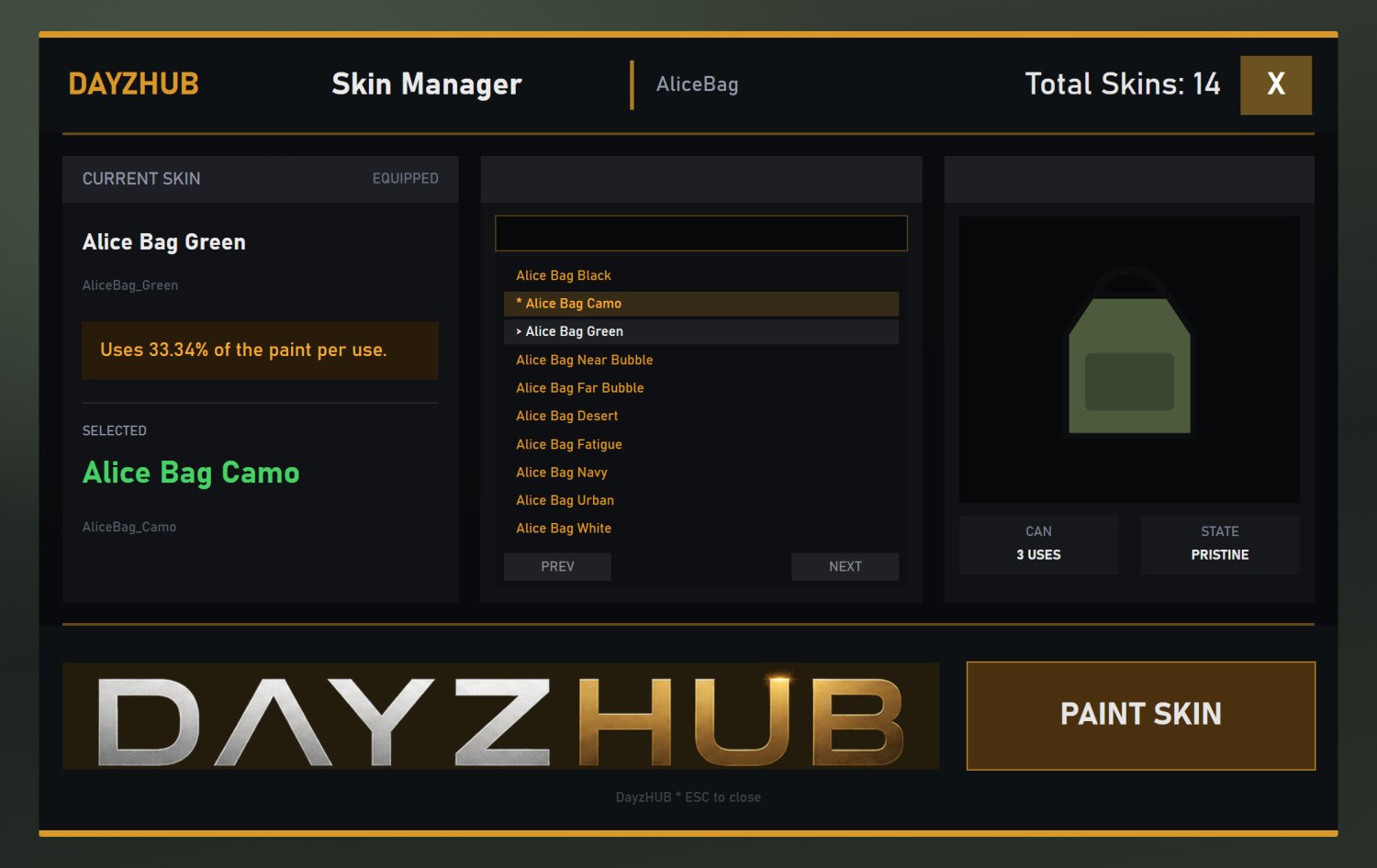
- Hold an item and press L to open the skin menu for that item.
- Search the list of variants, turn each one in a 3D preview, then press PAINT SKIN.
- The item keeps its condition and magazine rounds, and its attachments and cargo move to the new item.
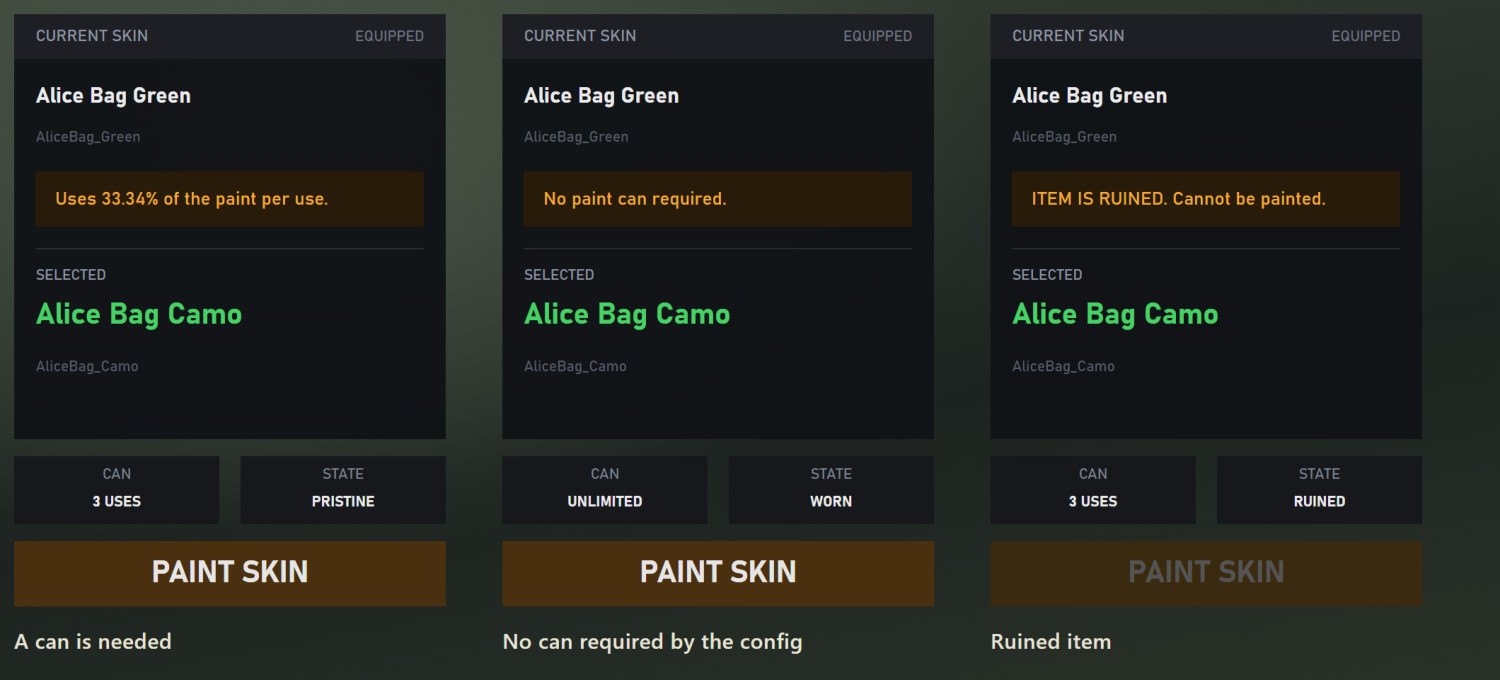
- Each paint uses part of a spray can. You choose the can, the cost per paint, or no can at all.
- A cooldown between paints, and an optional premium list: only the Steam IDs you list can use the menu.
- Every paint is logged, and the config is backed up at each server start.
- All player texts, including the server's messages, come in 14 languages.
How it works
Your own skin lists
All variants live in one JSON file: item groups, each with its list of skins and the name shown in the menu. At every start the server checks that each class exists and logs anything that doesn't.
The server decides
The server checks the item, the spray can, the cooldown and the premium list when the menu opens and again before it swaps the item. A modified client can't skip them.
Nothing lost
The item keeps its condition and magazine rounds. Attachments and cargo move onto the new item, and anything that doesn't fit stays with the player.
Good to know
Why it's useful
Players can give their gear the look they want without hunting for every colour variant as loot. Spray cans become a useful item to trade, and you decide which items can be repainted.
Setup
1. The DayzHUB Core needs LBmaster Core, Groups, GroupDLCPlotpole and Groups_ATM on your server.
2. Load @DayzHUB_Core and @DayzHUB_SkinManager with -mod, after the LB mods. Load @DayzHUB_Core_Server with -servermod.
3. Add your server's public IP on this page, or under My mods.
4. Start the server once. It creates profiles/DayzHUB/DayzHUB_SkinManager with a small example config.
5. Write your skin lists into the config, restart, then hold a listed item and press L.
Server licence
This mod runs on one game server per purchase. After buying, add your server's public IP here or under My mods. The server checks its licence when it starts and every 6 hours — if its IP is not on your list it stops, and writes the IP it was seen with to its log, so you know exactly what to add.
Screenshots