
DayZ Hub · Mods
DayzHUB Hover
Client-seitig
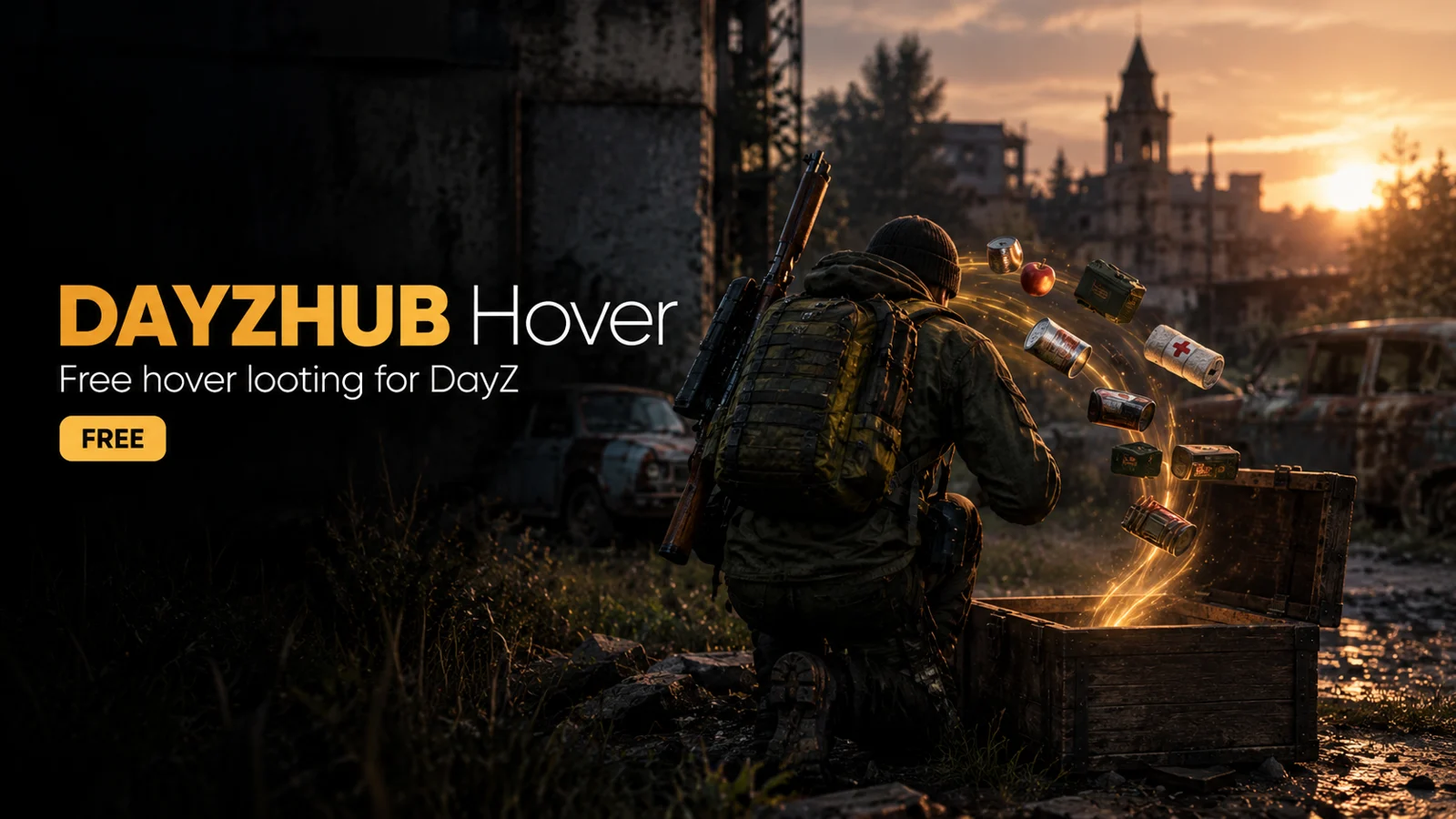
Free hover looting: hold H over items and they move into your bags, one safe move at a time.
★ Schreib die erste Bewertung →Kostenlos für alle
Im Steam Workshop ansehen
Auf jedem Server kostenlos nutzbar. Abonniere es im Steam Workshop: Auf dieser Seite gibt es keinen Download.
So sieht es in Aktion aus
Funktioniert mit anderen Mods
Was diese Mod benötigt, womit sie getestet wurde und was sie tut, wenn eine andere Mod dieselbe Aufgabe übernimmt.
Benötigt
- Nothing else One client mod: no DayzHUB Core, no licence, no server mod and no settings.
- DayZ 1.30 Load it with -mod and put DayzHUB.bikey in the server keys folder.
Funktioniert mit
- DayZ Expansion It never touches Expansion virtual-storage and owned containers.
Weicht aus
- DayzHUB Inventory Manager It has this hover built in, so Hover steps aside when Inventory Manager is loaded.
Funktionen
- Hold H with the inventory open and sweep the mouse over items: loot in a container, on a body, in a vehicle or on the ground moves into your bags. A matching stack you already carry is topped up first.
- Ctrl + H takes every item of the same kind in that container or on the ground nearby, up to 60 per sweep.
- Over your own loose cargo, H puts the items into the nearest open container (or on the ground when nothing has room). Shift + H drops them, or puts loot into a nearby container instead of your bags.
- Queued items get a gold frame and a counter next to the cursor. The three keys can be changed in Options > Controls > DayzHUB Hover.
- Safe by design: one move at a time, each confirmed by the server before the next, at most 8 a second, all through the normal inventory. It never touches worn clothes, attachments, the item in your hands, items on another living player, or Expansion virtual-storage and owned containers.
- Nothing to set up: one client mod, no DayzHUB Core, no licence, no server mod and no settings. Load it with -mod and put DayzHUB.bikey in the server keys folder. DayZ 1.30.
- DayzHUB Inventory Manager has this hover built in, so Hover steps aside when Inventory Manager is loaded. Inventory Manager adds the container buttons, search, locks and a restyled inventory.